Enso · a free help centre theme for Zendesk®
Answers from your AI agent, in the help centre
Chat and hybrid modes put your Zendesk AI agent on the help centre, in your colours, in light and dark mode. Both are off by default and need four things in your Zendesk account.
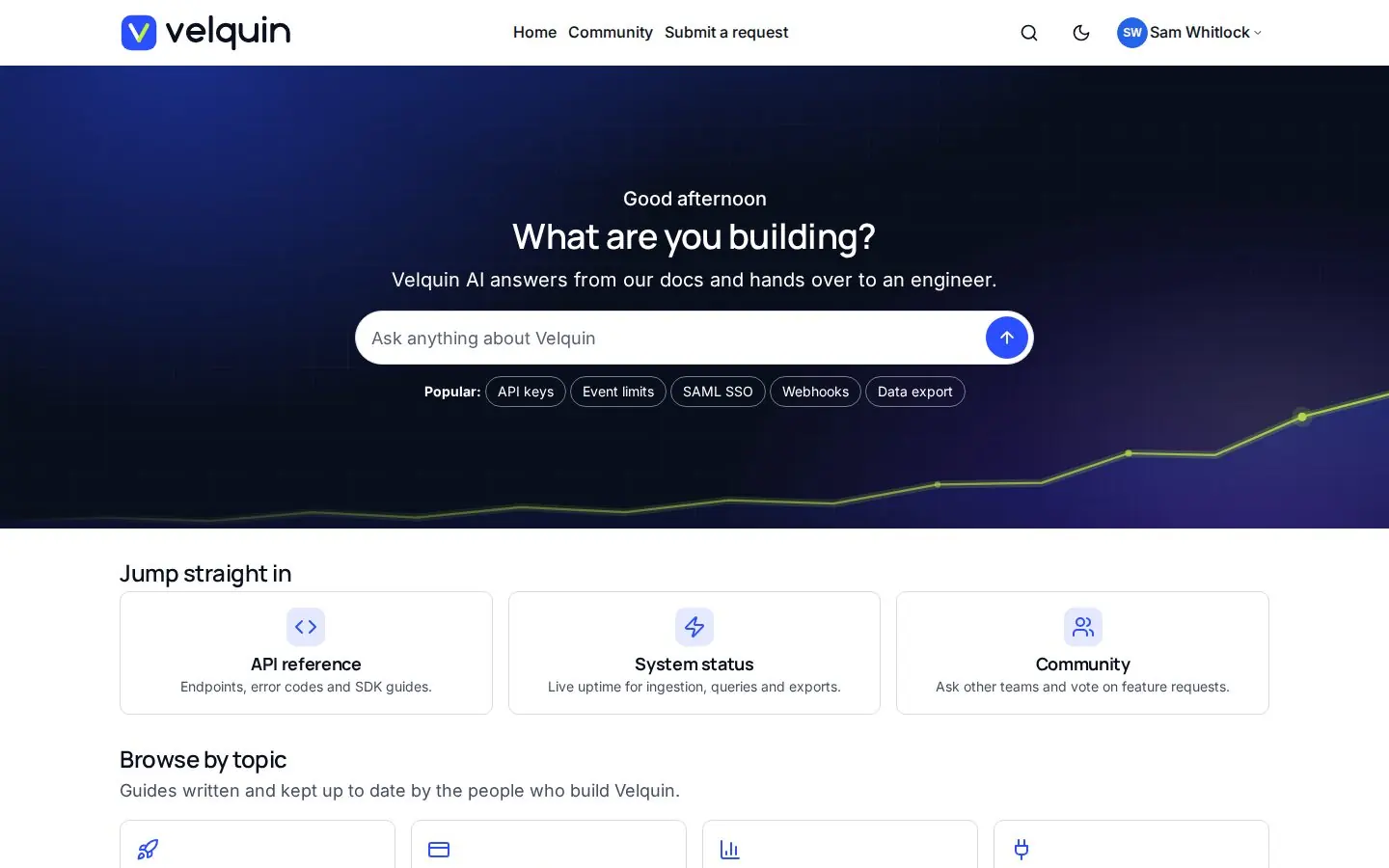
Fictional brand: Velquin (software)
Set Conversational mode (AI agent) to chat or hybrid in the theme editor, and the home page search becomes an "Ask anything" composer that starts a conversation with your Zendesk AI agent. It is one setting, with no code to change.
Chat or hybrid
Both modes add an "Ask anything" composer to the home page, a composer bar at the bottom of content pages and a side panel that lists the visitor's conversations. They differ in what the home composer opens.
- Chat: a question opens the full chat view.
- Hybrid: the first answer opens in a card under the composer, with the rest of the home page below it. The card grows into the chat view when the visitor replies.
- Off, the default: none of the conversational markup or script is on the page.
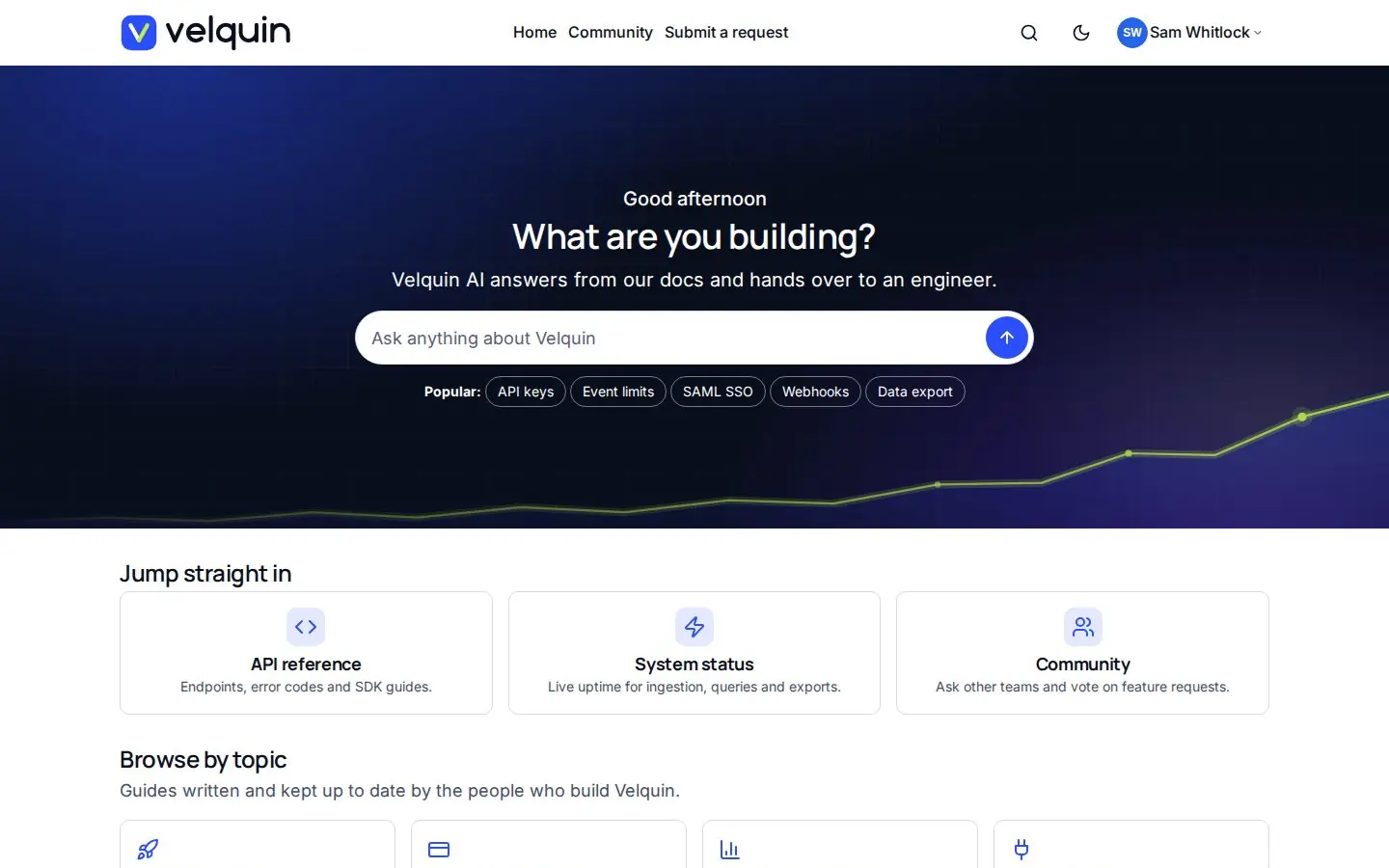
Where visitors ask
The composer sits on the home page and in a bar at the bottom of article, section, category, search and error pages. On a phone, the conversations panel opens as a dialog over the page; on wider screens it pushes the page across. On phones, Enso also undoes two Messenger side effects on these pages: a locked page scroll and disabled pinch zoom.
- Time-of-day greeting: Good morning, Good afternoon or Good evening, from the visitor's clock. No name is used.
- Prompt placeholder: your own text in the composer, or "Ask anything".
- Popular searches: up to 8 terms you choose, shown under the composer. They are fixed terms, not search analytics.
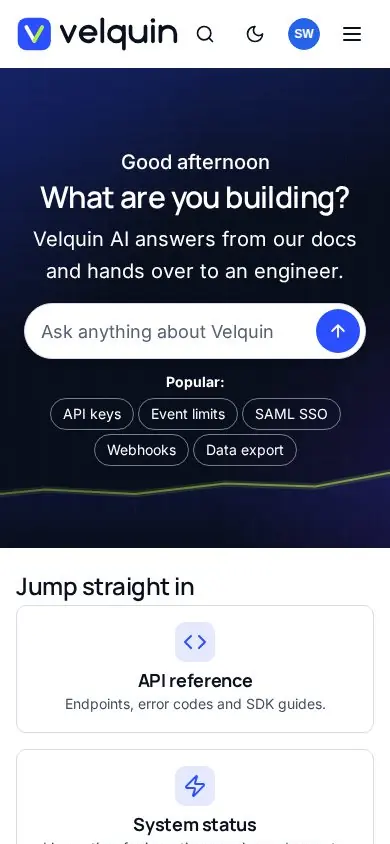
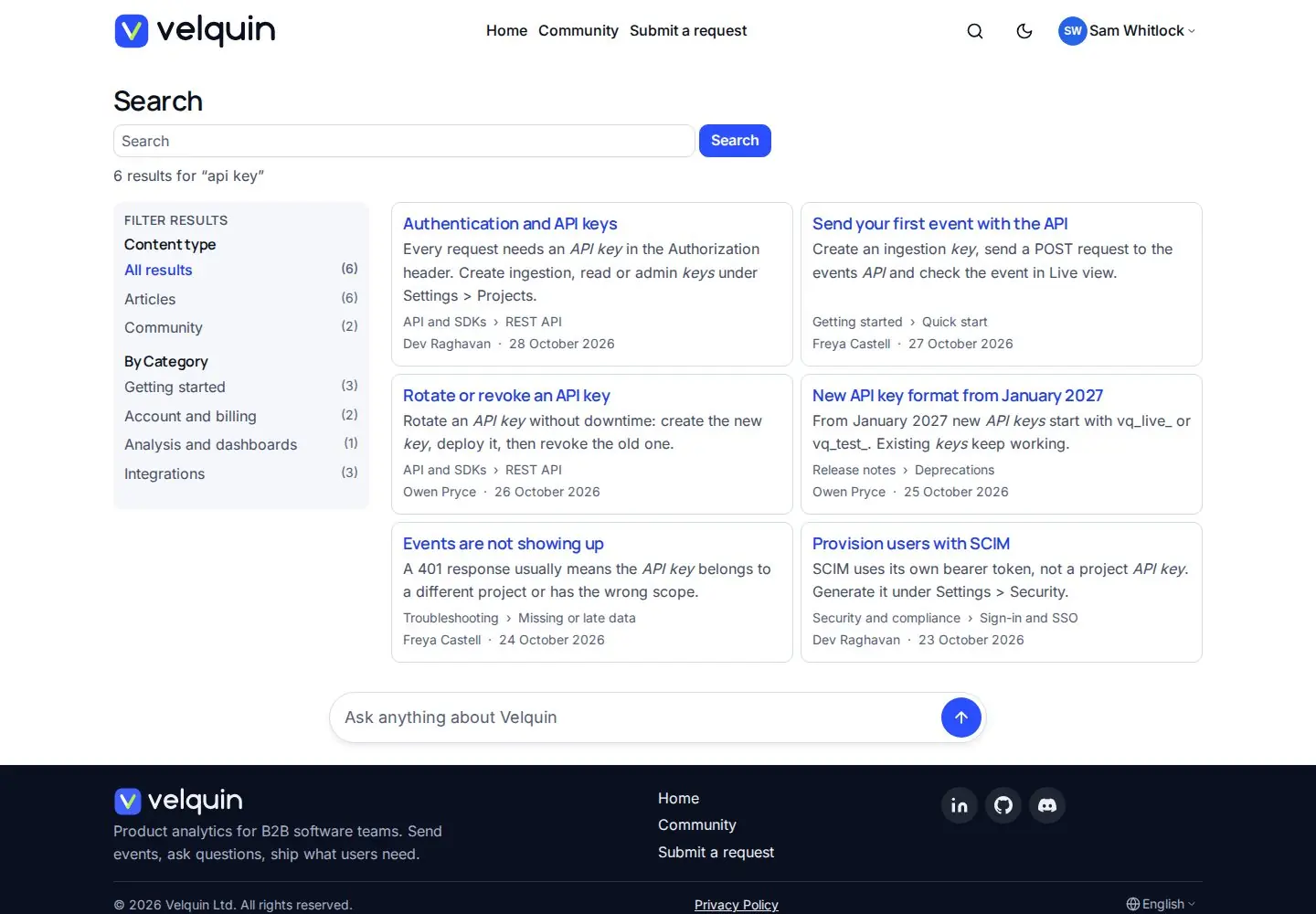
Quick answers on the search results page
Zendesk Quick answers appear above the search results, in your fonts and colours, and follow light and dark mode. You turn them on in Knowledge admin; the theme needs no setting, and they work with conversational mode on or off. Zendesk draws them, so if Zendesk changes their markup, they fall back to the Zendesk default styling until Kanso ships an update. The search results page keeps the floating Web Widget, because the Quick answers follow-up opens there.
If Messenger cannot start a conversation
Before it shows anything, the mode checks that Messenger can start a conversation. If it cannot, the composer runs a normal search, the conversations panel stays hidden, and the floating Web Widget comes back wherever Messenger is present. The check cannot see the AI agent or Quick answers, so set those up before you turn the mode on. Without JavaScript, the composer is a plain search form. If a conversation fails to start, the visitor sees an error and keeps the text they typed.
The rest of the help centre stays
On the home page, the composer takes the place of the hero search box. Everything else keeps working:
- Request forms
- The Zendesk service catalogue and approvals
- Community
- Quick answers, the header search and the Cmd/Ctrl+K search
When Zendesk ships native, we say so
As of November 2026, the Zendesk Lisbon theme offers a conversational help centre in early access, announced on 16 July 2026. It needs the same four things in your account, and the Enso mode follows the same pattern. Zendesk lists community, the new request form, the service catalogue, approvals, article voting and article comments as not available in Lisbon. If Lisbon covers what your help centre needs, use it. When Zendesk ships a native feature that replaces part of Enso, Kanso says so on this page and gives a migration path.
What your Zendesk account needs
- The messaging Web Widget, embedded in the help centre (Admin Center, Channels, Messaging).
- A Zendesk AI agent on that messaging channel.
- Zendesk Quick answers, turned on in Knowledge admin.
- The multiple conversations setting turned on, with the New conversation button. Zendesk also calls this multi-conversations. The setting is account-wide and cannot be turned off again.
- Then set Conversational mode to chat or hybrid. It is off by default.
Limits
- The mode uses parts of Zendesk Messenger that Zendesk does not document. If Zendesk changes them, the mode can stop working, and any fix comes as an Enso update.
- Inside the Messenger frames, fonts, corner radius, layout and the "Built with Zendesk" mark cannot be themed. Proactive messages do not show in the embedded panel.
- Quick answers styling falls back to the Zendesk default if Zendesk changes its markup.
- On the search results page, Enso does not guard the floating Web Widget, which can lock page scrolling on a phone while it is open full screen.
- With Dynamic Content translations on, create the 20 conversational Dynamic Content items before you turn the mode on, or the composer shows a missing-item message.
- Marketplace themes need Guide Professional or above (Zendesk shows this on every listing). AI agents and Quick answers need a Zendesk plan that includes them.
Questions buyers ask
- What is the difference between chat and hybrid mode?
- In chat mode, a question from the home composer opens the full chat view. In hybrid mode, the first answer shows in a card under the composer, with the rest of the home page below it, and the card grows into the chat view when the visitor replies. Content pages behave the same in both modes.
- What happens if a prerequisite is missing?
- If the messaging Web Widget is missing, or Messenger cannot start a conversation (for example because "multiple conversations" is off), the composer runs a normal search, the conversations panel stays hidden, and the floating Web Widget comes back wherever Messenger is present. The theme cannot see the AI agent or Quick answers: without them a conversation still starts, so set both up before you turn the mode on.
- What happens when Zendesk changes Messenger?
- Some parts the mode relies on are not documented by Zendesk. If Zendesk changes them, the mode can stop working, and any fix comes as a Marketplace update: Zendesk shows "Update available" on the Themes page, and an admin installs it.
- Does conversation data go to Kanso?
- No. Enso sends nothing to Kanso. After a conversation starts, the theme tells your own help centre about the handover, as the Zendesk Lisbon theme does. With the cookie banner on, that call is sent only if the visitor has already accepted cookies.
- Does Messenger follow our colours and dark mode?
- The colours, yes. Messenger gets a theme built from your Enso colours, checked for contrast, and it switches with light and dark mode. Fonts, corner radius, layout and the "Built with Zendesk" mark inside the Messenger frames cannot be themed.
See it in a demo help centre
The Velquin AI demo help centre runs hybrid mode. Type a question in the home search box and the Velquin Assistant answers there; the search results page shows Zendesk Quick answers above the list.
More Enso features
Free, with help when you need it
The theme is free under the Zendesk Marketplace standard licence. When you need changes beyond settings, or a faster answer, Kanso offers custom builds and paid support.
Install from the Zendesk Marketplace
Free, with a standard licence. Marketplace themes need Guide Professional or above (Zendesk shows this on every listing).
Marketplace listing coming soon
Try a demo help centre
Each demo help centre runs one fictional brand on Enso, set up through settings alone. Click through the pages before you install anything.
Open a demo help centreCustom builds
For changes beyond the 197 settings, Kanso builds a custom version at a fixed scope and price. A custom build stops getting Marketplace updates, so Kanso offers maintenance with it.
About custom buildsSupport
Free: the settings guide and FAQ (being written) and bug reports by email, answered on a best-effort basis. Paid: configuration help, with the response time and price in your quote.
Support optionsZendesk is a trademark of Zendesk, Inc. Kanso CX Ltd is an independent company, not part of Zendesk, Inc., and Zendesk does not provide or support Enso. Wrenfold, Velquin and Hollinmere are fictional brands made to show Enso; any resemblance to real companies is unintended.