Enso · a free help centre theme for Zendesk®
Light and dark, for every brand
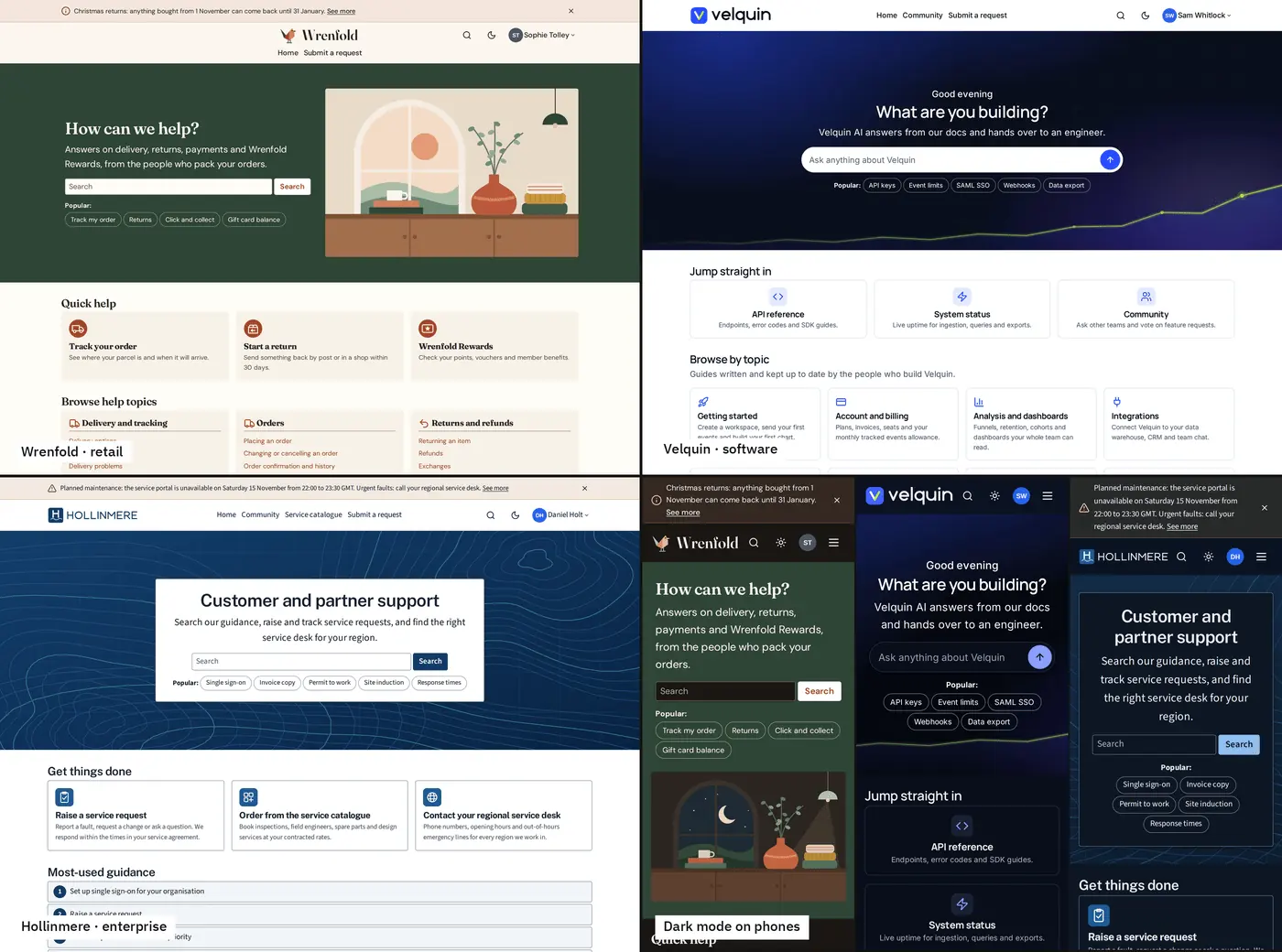
Visitors switch with a toggle, or Enso follows their device setting. Each brand gets a 15-colour dark palette, dark versions of its logo and images, and Zendesk forms restyled to match.
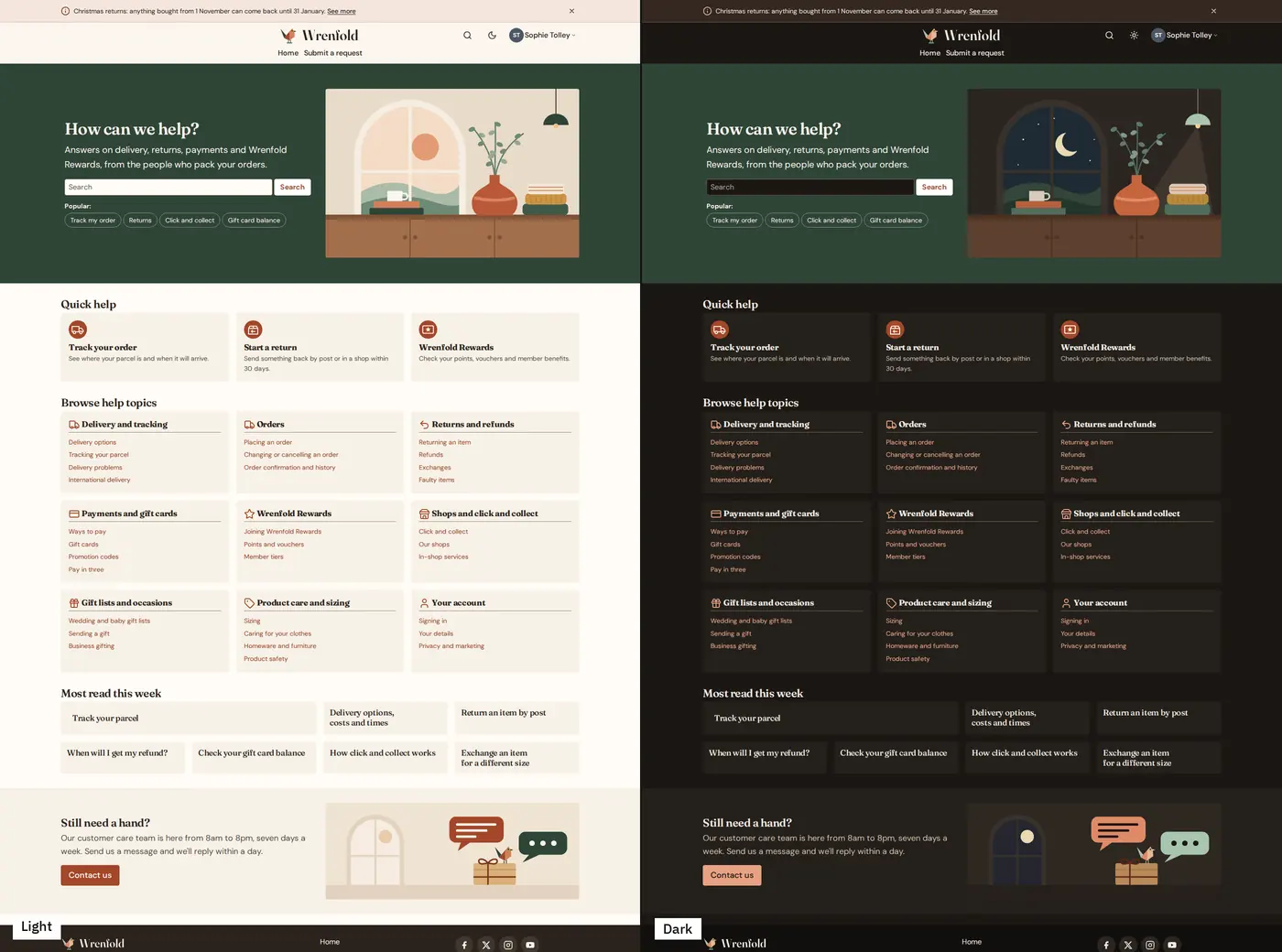
Fictional brand: Wrenfold (retail)
Dark mode in Zendesk Support is for agents. For help centre visitors, the theme decides. In Enso, dark mode is a group of settings: you set the dark colours and dark images once per brand, and the theme editor preview checks 15 key colour pairs.
A toggle for visitors, or their device setting
Three settings decide the mode. Show dark mode toggle puts a light and dark button in the header. Auto dark mode follows the visitor's device. Default to dark mode sets the starting mode when Auto dark mode is off.
- A visitor's own choice is kept in their browser and wins over the device setting.
- A script in the page head sets the mode before the page draws, so dark-mode visitors do not see a light page first.
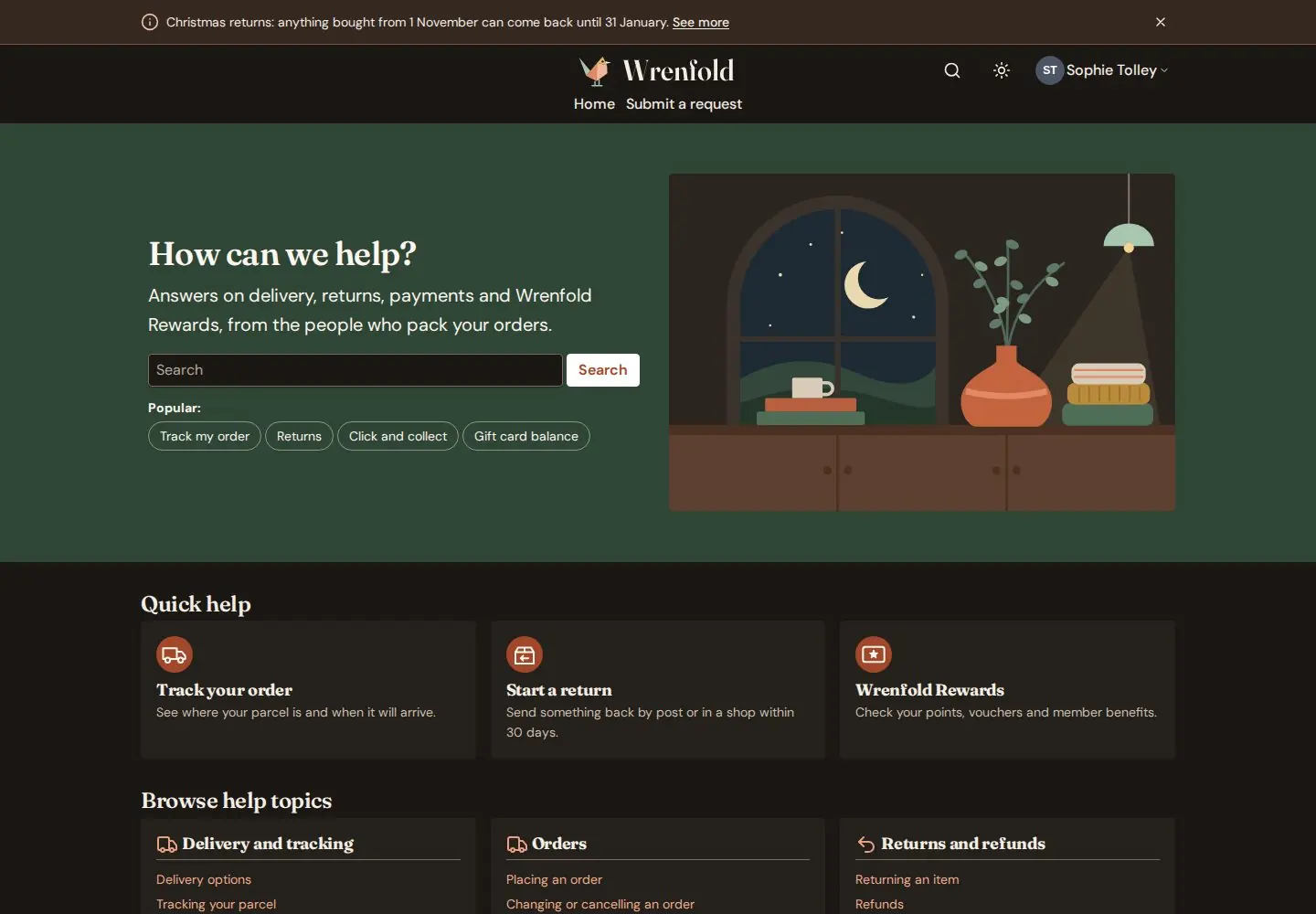
Two palettes, 15 colours each
Light and dark mode each have 15 colours: backgrounds, text, links, buttons, borders and status colours. The header and footer have their own dark colours, and the logo, hero images and call-to-action image each have a dark version.
- Button text has its own colour in each mode, so a pale dark-mode button can carry dark text.
- The hero colour has no dark setting: in dark mode Enso darkens a light hero colour for you.
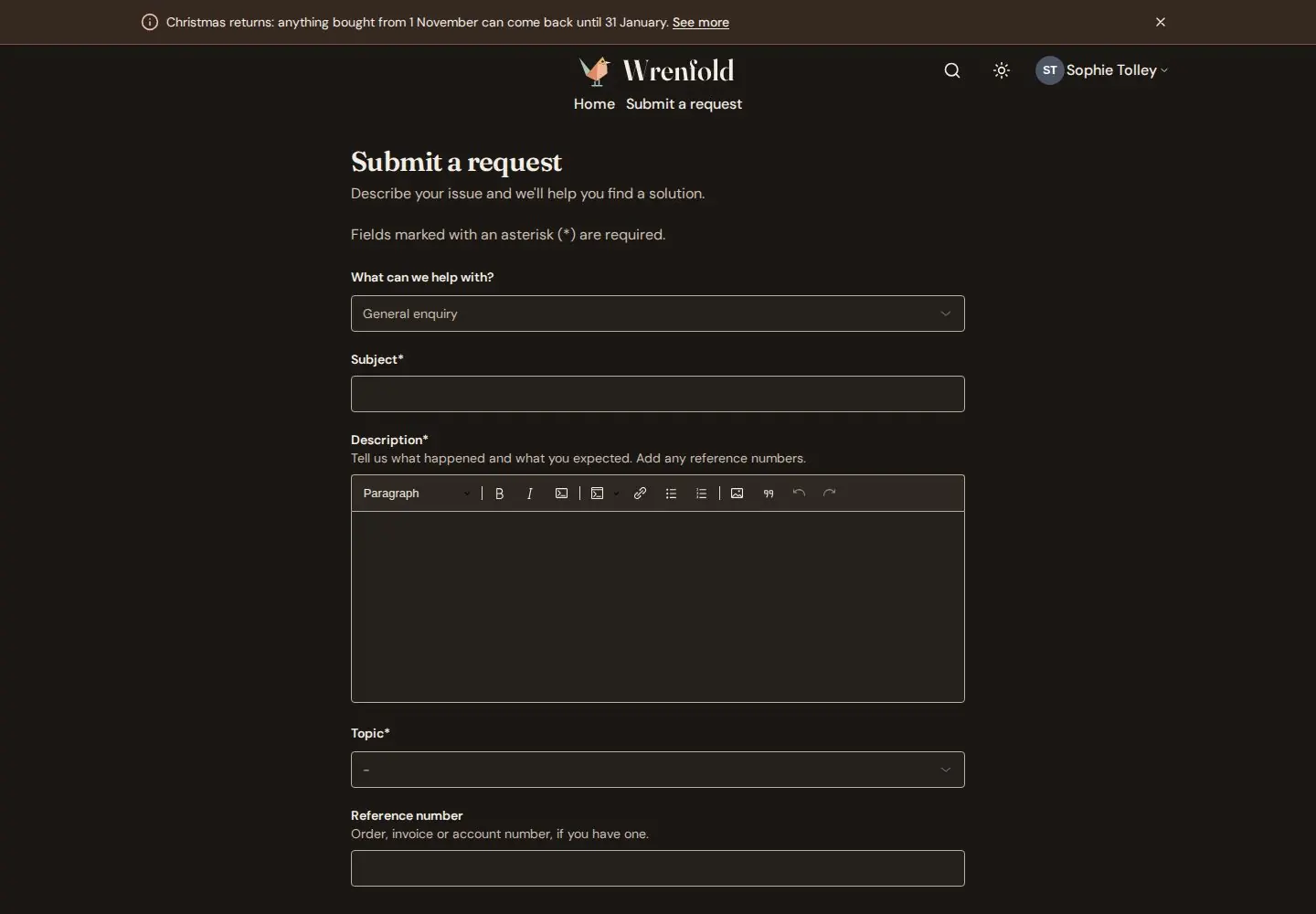
Zendesk forms, restyled for dark
The request form is a Zendesk module. Enso maps your light and dark colours onto it and restyles the grey text Zendesk hard-codes, so the fields, the editor toolbar and the dropdowns follow the mode with the rest of the page.
- The service catalogue, approval and "My requests" pages are Zendesk modules too and take the same colours. Kanso has tested the catalogue and approvals against recorded API responses, not yet on a live account.
- Zendesk Quick answers, above search results, follows the mode.
A contrast check while you choose colours
In the theme editor preview, Enso checks 15 key colour pairs against WCAG AA, in light and dark mode. It names each pair that falls short and the settings to change. Visitors never see it.
- It runs again after every settings change, because the editor reloads the preview.
- It flags pairs. It does not change your colours.
- It does not check text on the hero, the call-to-action band or the announcement banner, or the accent, success and warning colours. Check those yourself.
- The accessibility page lists all 15 pairs and the settings behind each one.
Each brand keeps its own palette
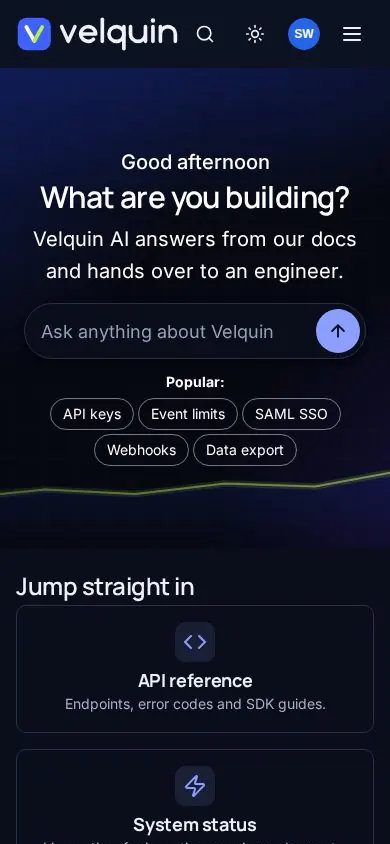
Wrenfold, Velquin and Hollinmere run the same code with different light and dark palettes. A rebrand, dark colours included, is a settings change, not a developer ticket.
Limits
- Replace each dark image when you replace its light twin: the dark logo, hero background, hero image and call-to-action image. Otherwise dark mode shows the Enso placeholder. A dark footer shows the dark logo in light mode too.
- Default to dark mode has no effect while Auto dark mode is on: the visitor's device decides.
- Zendesk draws the instant-search dropdown. Enso restyles its panel, result titles and breadcrumbs for dark mode, but if Zendesk changes that markup, the dropdown can fall back to the white Zendesk panel.
- The automatic dark hero colour does not apply to the gradient hero style or to the minimal and stacked-card hero types.
- The contrast check covers 15 key colour pairs, not every colour on the page.
- Quick answers takes the mode from an attribute that Zendesk does not document. If Zendesk changes it, Quick answers falls back to the Zendesk default look until Kanso ships an update.
Questions buyers ask
- Does Zendesk give help centre visitors dark mode?
- Dark mode in Zendesk Support is for agents. In the help centre, the theme decides. As of November 2026, Copenhagen, the free Zendesk theme, has no dark mode; Lisbon, in early access, has one.
- Does the page flash white before dark mode starts?
- No. A script in the page head sets the mode before the page draws, so the page opens in the right mode.
- Does Enso remember a visitor's choice?
- Yes. The toggle keeps the choice in the visitor's browser, and it wins over the device setting on the next visit. Nothing is sent to Kanso.
- Can I use Enso on every brand in my Zendesk account?
- Yes, at no cost. The Enso terms cover the help centres of the Zendesk account that installed it. Each brand's help centre has its own theme settings, so each brand sets its own light and dark colours.
- What if my dark colours fail contrast?
- The contrast check in the theme editor preview names any of 15 key colour pairs that falls below WCAG AA, in light or dark mode, with the settings to change. Text on hero and call-to-action images is yours to check.
See it in a demo help centre
The Wrenfold demo help centre has the toggle in its header, so you can see every page in both modes.
More Enso features
- Article toolsA table of contents from your headings, code copy buttons and a feedback link.
- Employee serviceZendesk service catalogue and "My requests"; catalogue not yet tested on a live account.
- Conversational modeYour Zendesk AI agent on the help centre; off by default, with 4 account prerequisites.
Free, with help when you need it
The theme is free under the Zendesk Marketplace standard licence. When you need changes beyond settings, or a faster answer, Kanso offers custom builds and paid support.
Install from the Zendesk Marketplace
Free, with a standard licence. Marketplace themes need Guide Professional or above (Zendesk shows this on every listing).
Marketplace listing coming soon
Try a demo help centre
Each demo help centre runs one fictional brand on Enso, set up through settings alone. Click through the pages before you install anything.
Open a demo help centreCustom builds
For changes beyond the 197 settings, Kanso builds a custom version at a fixed scope and price. A custom build stops getting Marketplace updates, so Kanso offers maintenance with it.
About custom buildsSupport
Free: the settings guide and FAQ (being written) and bug reports by email, answered on a best-effort basis. Paid: configuration help, with the response time and price in your quote.
Support optionsZendesk is a trademark of Zendesk, Inc. Kanso CX Ltd is an independent company, not part of Zendesk, Inc., and Zendesk does not provide or support Enso. Wrenfold, Velquin and Hollinmere are fictional brands made to show Enso; any resemblance to real companies is unintended.